


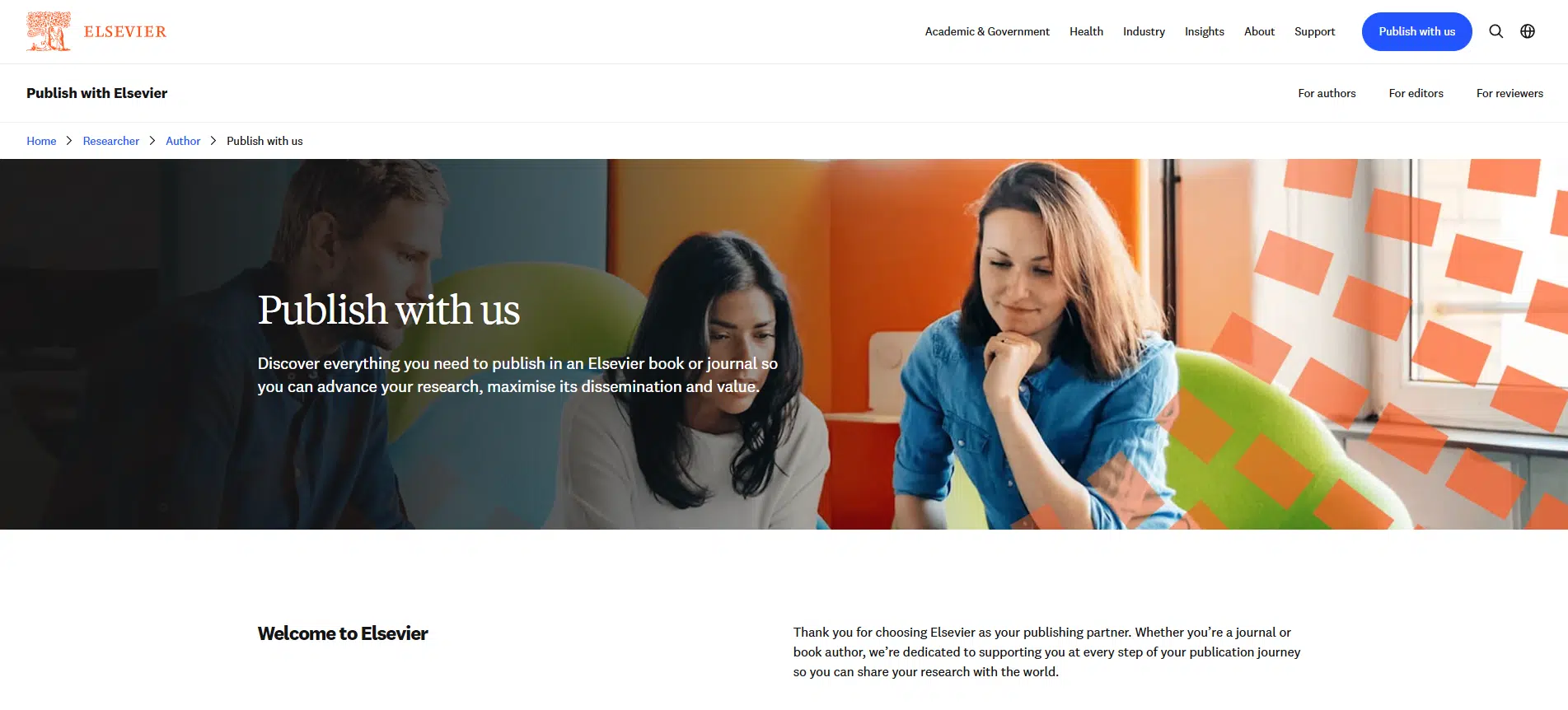
There’s a simple truth at the centre of this topic, Elsevier doesn’t make your research paper good, your research does. A smart plan turns that good research into a published article.
This guide shows the route in plain steps you can follow. You’ll see how to choose the right journal, shape a tight manuscript, pass peer review, and handle open access choices. Along the way, we’ll peek at core statistical analysis terms such as t-tests, ANOVA, regression, P value, confidence intervals, and effect size.
What is Elsevier?
Elsevier is a global STM publisher behind platforms like ScienceDirect and Scopus. It hosts thousands of journals across medicine, engineering, business, social sciences, and beyond. You don’t submit “to Elsevier” in general. You submit to one journal. That journal runs peer review and publishes accepted articles.
Why Publish in Elsevier and Who Should Go for It?
Elsevier journals reach large academic audiences. Many titles sit at the centre of their fields. If your study has a clear research design, sound ethics, readable stats, and a topic aligned with an established journal scope, this route makes sense.
It suits PhD candidates, postdocs, and faculty who need a rigorous venue with strong discoverability in Scopus and ScienceDirect. It’s also a fit if your funder or department values specific outlets or needs open access that meets policy rules.
The Whole Journey at a Glance
The five big steps
- Pick a journal that matches your topic.
- Write to the Guide for Authors.
- Submit through Editorial Manager.
- Handle peer review and revise cleanly.
- Publish, then promote and track in Scopus.
What can slow you down
Scope mismatch, missing ethics approval, sloppy referencing, vague Methods, weak data handling, and high similarity scores. Unclear authorship and late ORCID setup also cause delays.
What helps you move faster
A shortlist of journals, a strong literature review, precise Methodology, tidy figures, a ready Data Availability Statement, and a point-by-point response habit. Use a pre-submission checklist and keep a timeline.
Get Your Research in Shape
Clear research question and aim
Open with a sharp problem statement and research questions. If your design needs it, add a hypothesis. Define Variables and what “success” looks like. Your Introduction will be stronger, and your discussion will stay focused.
Sound study design and approvals in place
Pick methods of research that fit your question: experimental, correlational, descriptive, ethnographic, survey, or mixed. Secure ethics approval early. Store consent, protocol numbers, and dates. Journals often ask for proof during review.
Plan to reduce bias before data collection
Bias creeps in during planning. Guard against selection bias, self-selection bias, nonresponse bias, and confirmation bias. Use clear sampling methods and a recruitment plan that matches your population. Log deviations.
Data management plan and consent records
Write a simple data plan: where files live, who has access, how you anonymise, how long you retain. Note filenames, versioning, and repository targets. This supports your Data Availability Statement and reduces rework at acceptance.
Looking for dissertation help?
Research Prospect to the rescue then!
We have expert writers on our team who are skilled at helping students with dissertations across a
variety of disciplines. Guaranteeing 100% satisfaction!

Opt for the Right Elsevier Journal
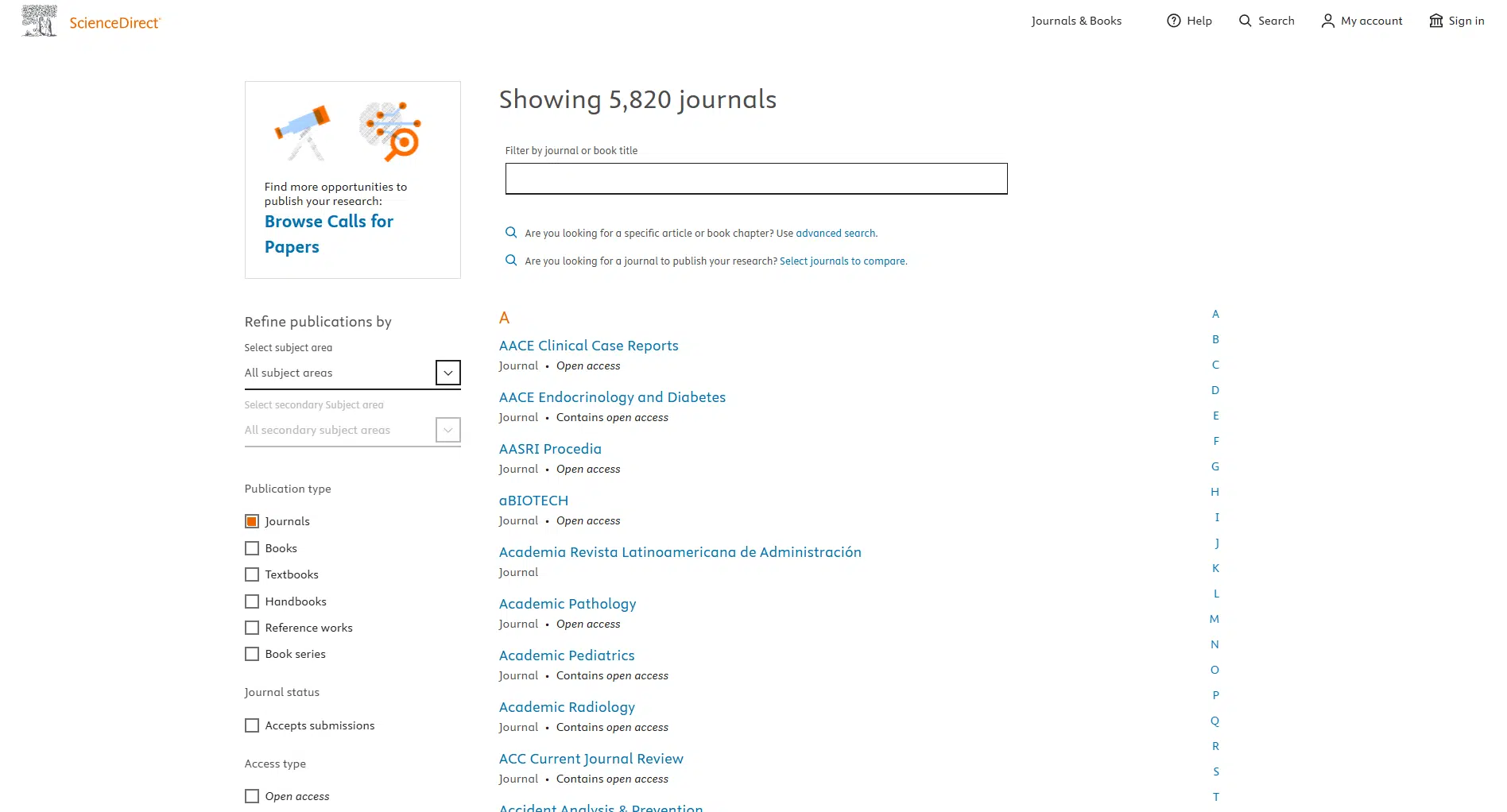
Read the aims and scope page first
Scope decides fit. Scan the aims and scope page, then skim two recent volumes. Note common themes, article types, and study designs that appear often.
Use JournalFinder to make a shortlist
Paste your abstract or keywords into JournalFinder. Build a shortlist of 5–8 titles. Record article types, word limits, reference style, and submission links. Keep “invitation only” flags visible.
Check journal metrics and recent articles
Use journal metrics as a guide inside your field, CiteScore, SJR, and SNIP. Don’t chase the biggest number. Match audience and topic. Read recent articles to see how authors frame gaps and report stats.
Look for special issues that fit your topic
Special issues can be faster for the right topic. Read the call carefully. Check deadlines and guest editors. Confirm that the special issue sits within the journal’s core scope.
Know which journals are invitation only
Some high-selectivity titles invite submissions for certain formats. If a journal is closed, pick the nearest open route on your shortlist instead of waiting months.
Understand Access and Fees
Subscription, hybrid, and open access in simple terms
Three models: subscription (readers need access through libraries), open access (anyone can read), and hybrid (both appear in one journal). Each journal explains this on its site.
APCs, waivers, and funder rules
Open access usually means an article processing charge. Check funder rules, institutional deals, and waiver policies before submission. Keep this in your budget sheet.
What license choices mean for you
Journals offer Creative Commons licenses like CC BY or CC BY-NC. The license sets sharing and reuse rights. Pick the one that meets your funder’s policy and your comfort level.
Learn the Journal’s Rules
Article types and word limits
Pick the correct type: Research Article, Review, Short Communication, Case Study, Methods paper. Each has a length range and file rules. Send the right thing.
Guide for Authors: the must-follow list
Print it or keep it open. It spells out section order, file names, image DPI, table format, and submission steps. Treat it as a checklist.
Referencing styles the journal accepts
Many Elsevier journals accept Harvard referencing style. Keep consistent punctuation, italics, and order for every source type. Use your Harvard citation examples for journal articles, government websites, TED Talks, Podcasts, and PDFs. Match in-text citations to the Reference list line by line.
Tables, figures, images, and file formats
Label axes and units, keep legends short, and use the stated DPI. Submit editable tables, not screenshots. Name files clearly: “Fig1_method_flowchart.tif”, “Table2_regression.docx”.
Ethics, plagiarism, and preprint policies
Add an ethics statement and consent notes. Run a plagiarism quick guide pass and keep similarity low with real paraphrasing. Check the preprint policy if your field uses arXiv, SSRN, or OSF. Cite the preprint if it exists.
Plan Your Manuscript Before You Start Writing
Choose a clear title and 4–6 keywords
Use field terms from your Literature Review. Avoid puns. Include core concepts, setting, and method if space allows. Add long-tail keywords that match real searches in your area.
Pick a structure that fits your study (IMRaD or review format)
Empirical work usually follows IMRaD: Introduction, Methods, Results, and Discussion. Reviews may use PRISMA or a topic-driven layout. Decide early so headings, tables, and figures line up.
Outline your sections and subsections
Draft bullets for each section: key citations, planned tables, tests you’ll report, and any Appendices. Add notes for Harvard style edge cases such as Interviews or court cases.
Decide what goes in the main text vs appendices
Keep the core story in the main text. Move long questionnaires, detailed protocols, and extra tables to appendices or Supplementary files. This keeps word count under control and helps peer reviewers focus.
Write Each Section Well
Title, abstract, and keywords that match your topic
Write a title that names the core concept, the method, and the setting. Keep it crisp. Add 4 to 6 keywords that match real search terms. Pull phrasing from recent articles in your shortlist and from your own Literature Review. In the abstract, give the question, the approach, the main result, and the one line takeaway. Avoid claims you cannot support later. Add long-tail keywords that genuine readers type in.
Introduction that narrows to the gap
Open with the problem. Show what is known. Point to the gap with one or two precise citations. State your aim and, if relevant, a hypothesis. Keep this section tight. Set expectations for Methods and Results so reviewers see a straight line.
Literature review that synthesises, not lists
Group sources by idea, method, or finding. Write short topic sentences for each paragraph. Paraphrase rather than patchwrite. Use Harvard Referencing Style with clean in-text citations. Include a spread of primary and secondary sources. Ask if each source advances your argument or just repeats the background.
Methods with enough detail to repeat the study
Spell out Research Design, setting, participants, sampling methods, variables, instruments, and procedures. Describe reliability and validity checks. For Surveys, note the response rate and nonresponse bias risk. For interviews, explain transcribing an interview and thematic analysis steps. State ethics approval and consent. If you use software or scripts, tell how others can access them.
Results that report what you found
Present tables and figures that mirror the plan in Methods. Label everything. Do not argue here. Report numbers, effect size, confidence intervals, and the test statistic you used.
Discussion that explains what the results mean
Interpret the results in light of your Literature Review. Note where your findings agree or disagree with prior work. State limits without drama. Add recommendations that follow from the data. Point to the next research step.
Conclusion with limits and next steps
Give the one line answer to your research questions. Add a short note on limits and practical use. End with one or two clear actions for scholars or practitioners.
Reference list that is complete and consistent
Match every in-text citation to the reference list. For Harvard, check punctuation, italics, and order. Include special items correctly, such as Government Websites, podcasts, TED talks, interviews, or pdfs. Run a quick scan for typos in author names and DOIs.
Get Your Language and Layout Right
Clear, concise sentences and correct punctuation
Short sentences read faster. Trim filler. Fix comma splices and stray semicolons. Use apostrophes and hyphens correctly. Check subject-verb agreement. Remove dangling modifiers and misplaced modifiers. Keep parallel structure in lists.
Consistent headings, numbering, and captions
Follow the journal’s heading levels. Number tables and figures in order. Use short, informative captions. Keep units and significant figures consistent.
Plagiarism check and clean paraphrasing
Run your manuscript through a similarity check. Quote only where wording matters. Paraphrase with your own structure and vocabulary. Cite every borrowed idea. Review types of plagiarism to avoid common traps.
Final spellings, symbols, and units check
Standardise British or American spelling as the journal requests. Confirm symbols and abbreviations. Add a list of abbreviations if you use many.
Prepare the Supporting Files
Cover letter that shows journal fit
One page. State the title, the core contribution, and the fit with the journal scope. confirm originality, ethics, and that the paper is not under review elsewhere. Suggest a few suitable reviewers if asked.
Highlights and graphical abstract if asked
Write three to five short highlights. If a graphical abstract is required, keep it simple. Avoid dense text. Make labels readable.
Data availability statement and repository links
Say where your data lives and under what conditions it can be used. Link to repositories when allowed. If data is sensitive, explain access rules.
Author contribution statements using CRediT
List who did conceptualization, methodology, analysis, writing, and supervision. This avoids later disputes.
Funding and conflict of interest statements
Name grants and project numbers. Declare any conflicts. If none, write none declared.
Permissions for reused figures or tables
Secure permissions before submission. Upload letters or licenses with the files.
Supplementary files that are easy to read
Give clear filenames. Use open formats where possible. Include codebooks, checklists, or extra tables in a logical order.
Set Up Your Author Identity
ORCID for each author
Create or link ORCID IDs for all authors. Use the same name format across submissions to avoid duplicated profiles.
Name format and affiliation details
Match your name to past publications. Write full institutional names. Add city and country.
Preferred email and correspondence settings
Choose a stable email. Set one corresponding author with reliable access.
Submit Your Paper
Create or use your Editorial Manager account
Register once. Add ORCID. Store your profile. This saves time at revision.
Enter metadata carefully to match the manuscript
Copy the title, abstract, and keywords exactly. Fill funding, grants, and ethics fields. Choose the right article type and, if relevant, the special issue.
Run the system’s file checks and submit
Fix any flagged issues. Confirm that figures, tables, and Supplementary files open cleanly. Then submit.
What Happens After Your Submission?
Editorial screening and desk decisions
Editors screen for scope, structure, ethics, and fit. A clean, on-scope paper moves to review. Desk rejection usually points to scope or basics like format and references.
How peer review works at Elsevier?
Most journals use single-blind review. Experts read your work and comment on novelty, methods, analysis, and presentation. Expect direct suggestions.
Transfers to a better-fit journal
If rejected for fit, the editor may offer a transfer within Elsevier. You keep reviewers where possible and move faster. Accept only if the scope and audience match your aim.
How to Handle Revisions with Confidence?
Read each reviewer point without rushing
List every point. Sort into major and minor. Plan the order of changes. Keep a log.
Make changes and track them clearly
Revise the manuscript. Use tracked changes if asked. Update tables, figures, and Supplementary files.
Write a point-by-point response letter
Quote each comment. Respond under it. Say exactly what changed and where. If you disagree, give data or a citation. Stay professional.
When to appeal and how to do it well?
Appeal only on clear grounds, such as factual errors. Keep the letter brief and specific.
What to do After Acceptance?
What to check and what not to change?
Check author names, affiliations, numbers, captions, and references. Fix only real errors. Stylistic rewrites at proof stage can delay publication.
Copyright, license, and open access choices
Pick the license that suits your funder and reuse aims, such as CC BY. Complete forms on time to avoid stalled production.
Article in Press and online publication dates
Elsevier often posts Articles in Press before final issue assignment. Record the date for CVs and grant reports.
Promote Your Published Paper
Share links on profiles and networks
Add the link to your ORCID, university page, Google Scholar, and LinkedIn. Share a short summary thread with one clear graphic.
Work with your institution or press office
Send a lay summary and a quote. Provide an image that you own or that the journal allows you to use.
Present at events and add slides or posters online
Upload slides and posters with the citation. Link the accepted version if the policy permits. Stay within the journal’s sharing rules.
What you can and cannot post?
Read the journal’s policy on preprints and accepted manuscripts. Some allow the accepted version in a repository with a citation and link to the version of record.
Track and Tidy Your Research Profile
Check your article on ScienceDirect
Confirm the title, authors, and figures display correctly. Report any glitches.
See indexing in Scopus and fix author profiles
Once indexed, check your Scopus Author Profile. Merge duplicates. Add missing affiliations. Link ORCID.
Set alerts for new citations and mentions
Create citation alerts in Scopus and email alerts from the journal site. Watch early attention to plan outreach.
Watch early attention with article metrics
Note reads, saves, and citations. Use these data points in progress reports and future proposals.
Frequently Asked Questions
A publisher. Its platforms include ScienceDirect for full text and Scopus for indexing.
Read aims and scope, then use JournalFinder. Check recent issues and special calls.
Only if you choose open access and the journal charges an APC. Look for waivers or institutional deals.
Ranges from weeks to months. Many journals share average times on their site.
Many titles allow preprints and accepted versions in repositories. Check the journal policy and cite the version of the record.
Review feedback, adjust, and submit to another good-fit journal. Consider an editorial transfer if offered.
Editors may suggest a transfer when fit is the issue. You keep parts of the review to speed the next decision.
Use consistent names, link ORCID, and merge duplicate profiles. Check indexing details once your article appears.